Using Gaussian Splatting in Bitmagic to convert any video to a playable game
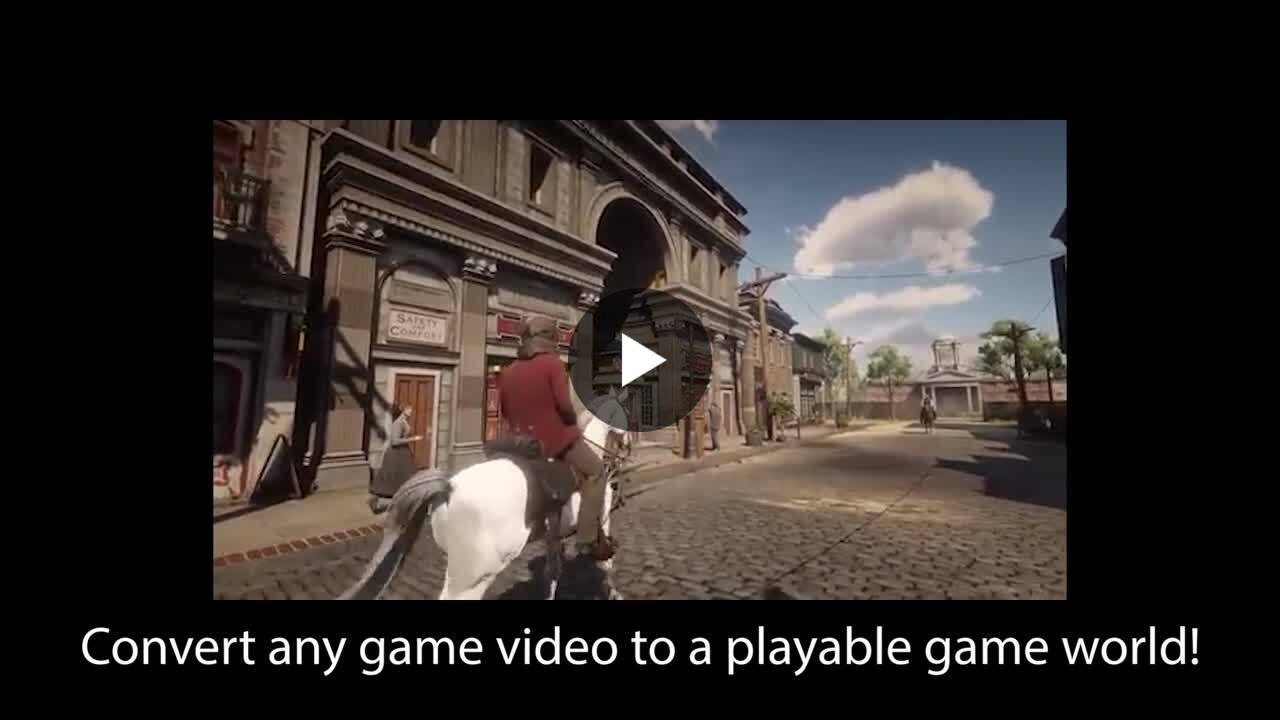
Two years ago, turning a game screenshot into a playable world felt like a distant dream. Today I took a Red Dead Redemption 2 clip from YouTube, ran it through World Labs Marble and Bitmagic V3, and got a street scene running at 60 fps on a phone.
Two years ago, I imagined that one day we'll be able to take a screenshot of a game as an input and turn that into a game world. It seemed like a distant dream back then, but it's reality today with Bitmagic V3 and World Labs Marble!
This shows the power of Gaussian Splatting. You can use images or video as input to create Gaussian Splatting scene. Bitmagic V3 natively supports GS, so you can prompt a full game in a world that is based on the material you provide.
The video here shows a short clip from Red Dead Redemption 2 turned into a street scene, running in the Bitmagic engine. This runs 60 fps on mobile phones and any PC! Imagine the new level of fan fiction and UGC this enables!
We're obviously still quite far from being able to fully recreate a masterpiece like RDR2, but that's not even the goal. The point is that you can now easily recreate your favorite moment from any game or movie, or from real life, and create and play that moment as a game the way you want to.
The clip I used as source is from YouTube, but this same tech works equally well with videos generated using Sora or Veo. For conversion, I used World Labs Marble, which is able to remove people from the scene before GS conversion so the end result is a clean world. It's not 100% the same, and it doesn't have to be. If you feel this isn't good enough, just remember this is as bad as it will ever be. All you have to do is wait for a few months and everything will be radically better.
We are still just scratching the surface on what is possible. Welcome to the future with Bitmagic V3! 🔥 | 12 comments on LinkedIn